From your phone to a set: photos of your notes, no cables
Scan a QR code from the computer, take the pages with your phone and they arrive in the set. Vesta reads them even when they are scans.
VTeam VestaNovità · 28 September 2026 · 3 min read
The notes are on your phone, the work is on the computer
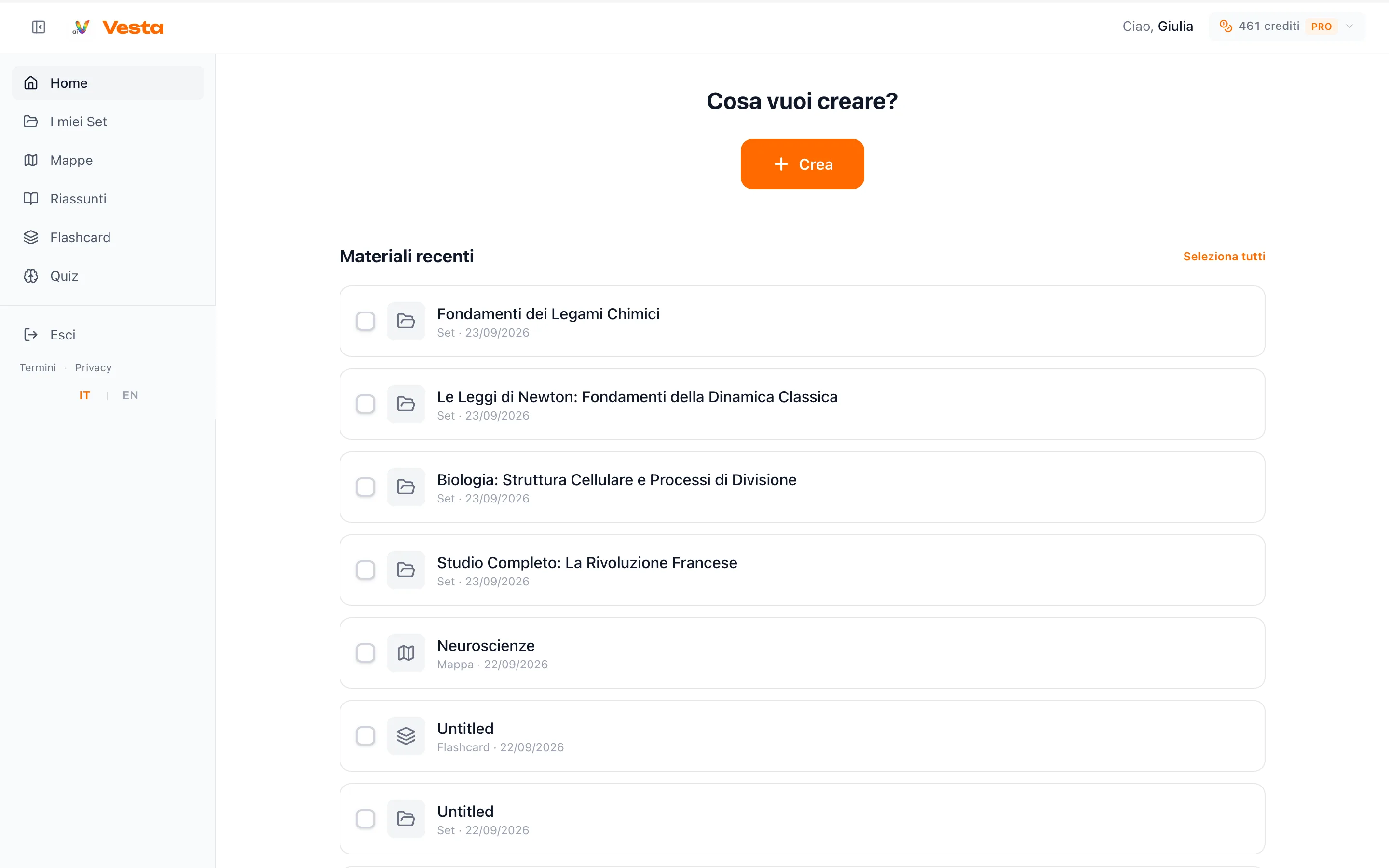
You photograph the board or the notebook, then to get the photos onto the computer you have to send them by email or chat. The Create menu now has a From phone button that skips that step.
How it works
- On the computer open Create and press From phone: a QR code appears.
- Scan it with your phone: a Vesta page opens, without signing in again.
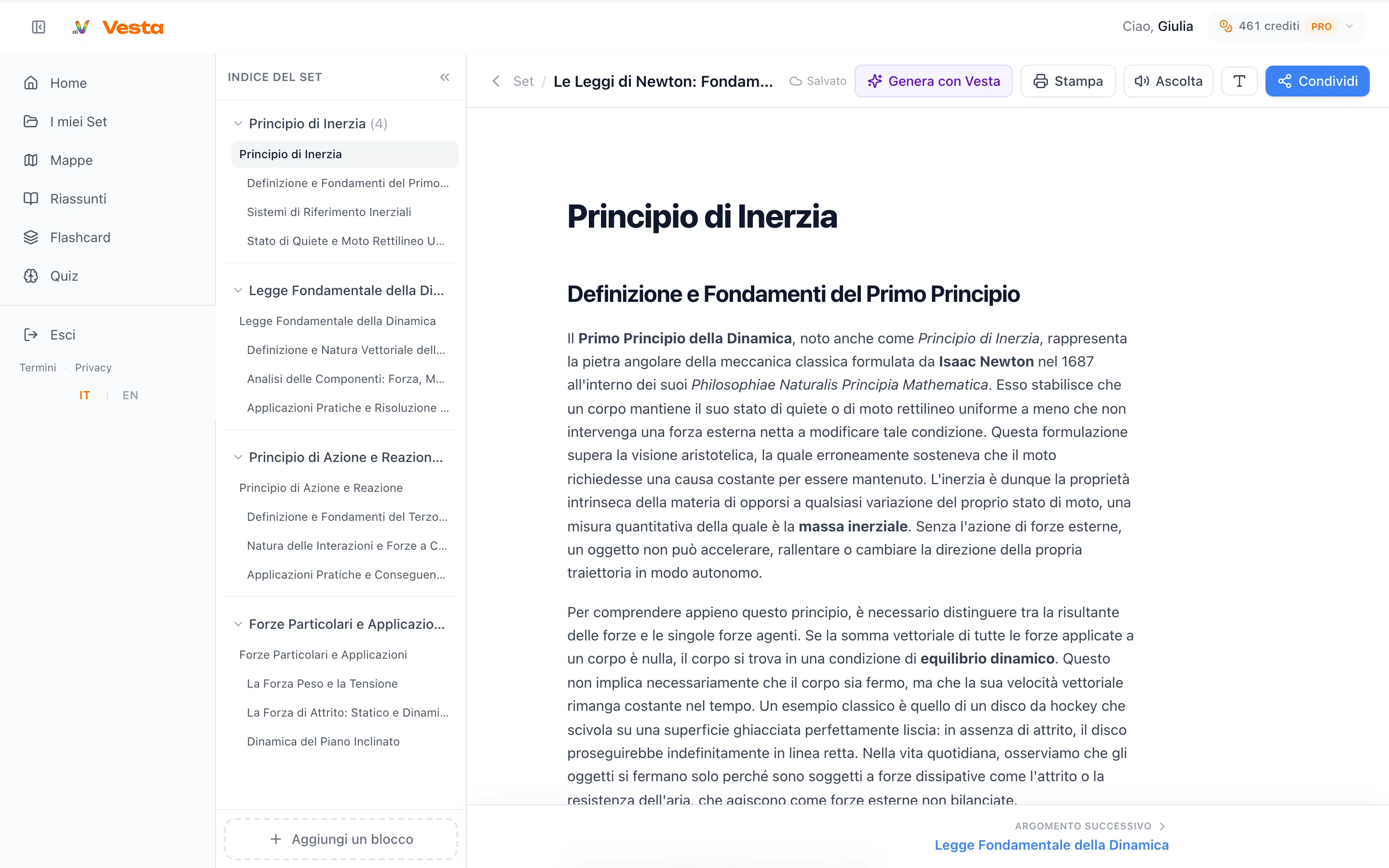
- Take photos or pick files, including PDF, Word and PowerPoint, and send them. They arrive in the creation window on the computer.
The code is valid for 15 minutes. If it expires, you open a new one with a click.
What if the pages are photos?
Vesta also reads scanned pages. Every plan has a limit of scanned pages per day: 5 with Free, 50 with Plus, 120 with Pro. Pages of a PDF that already has text do not count.