How to make a concept map online (with an example)
What a concept map is, how to build one step by step and how to make one in minutes starting from your notes.
VTeam VestaGuida · 11 October 2026 · 5 min read
What a concept map is
It is a diagram where one central concept opens into branches, and each branch into smaller ideas. It shows how things connect, which a summary does not. It works well in history, science and law: wherever facts depend on each other.
How to build one, in five steps
- Pick the central concept: a single name, for example “French Revolution”.
- Find the main branches: four to seven, for example causes, 1789, Republic, Terror, Napoleon.
- Add one level: under each branch, two or three ideas. For “Causes”: financial crisis, privileges.
- Connect: if two branches touch, draw the link. That is the part that makes you understand.
- Colour by branch: one colour per branch makes the map readable at a glance.
The most common mistakes
- Long sentences in the nodes: one or two words are enough.
- Too many levels: past the third, start another map.
- Copying the book's table of contents: a map shows relationships, not chapter order.
Making it with Vesta
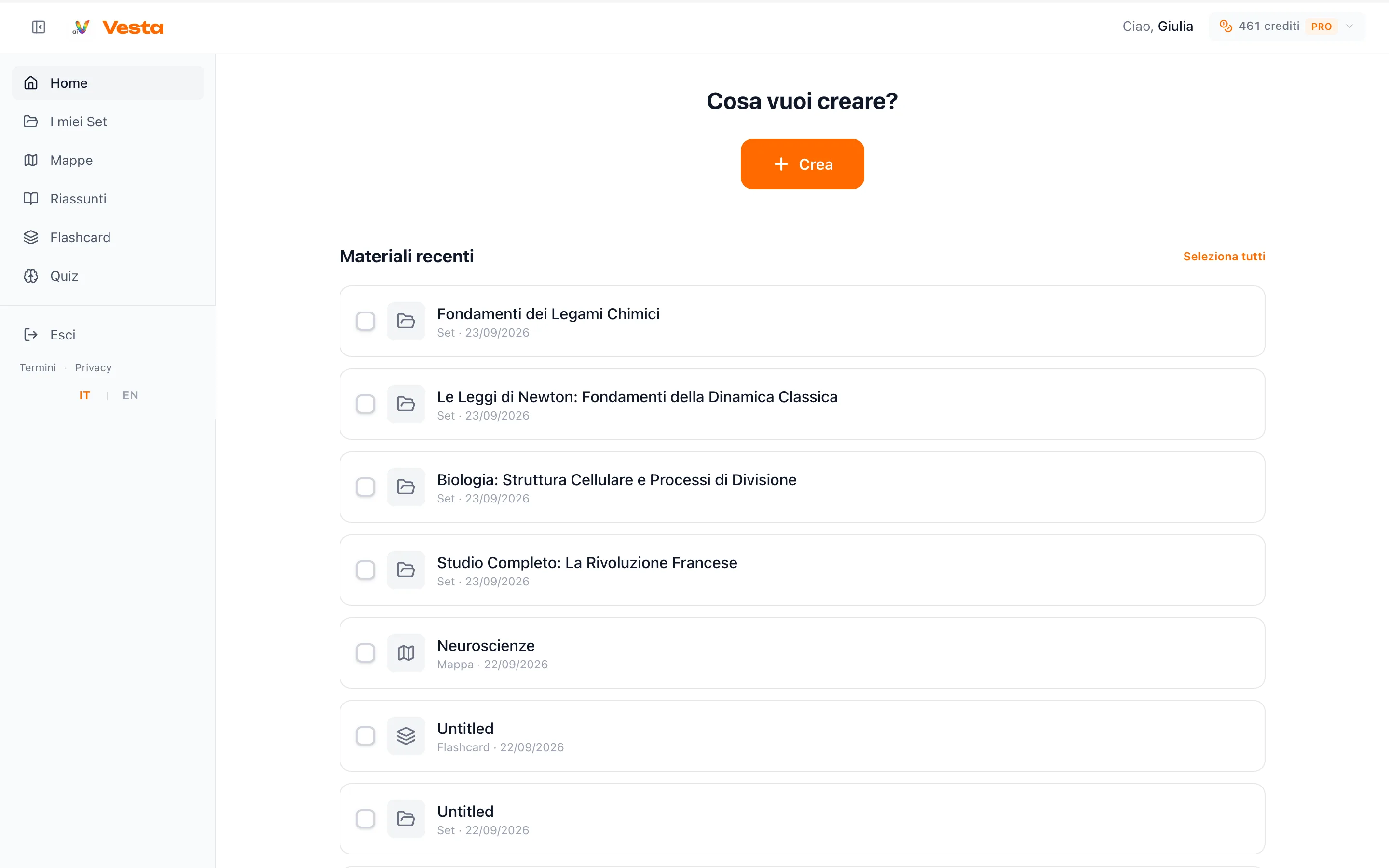
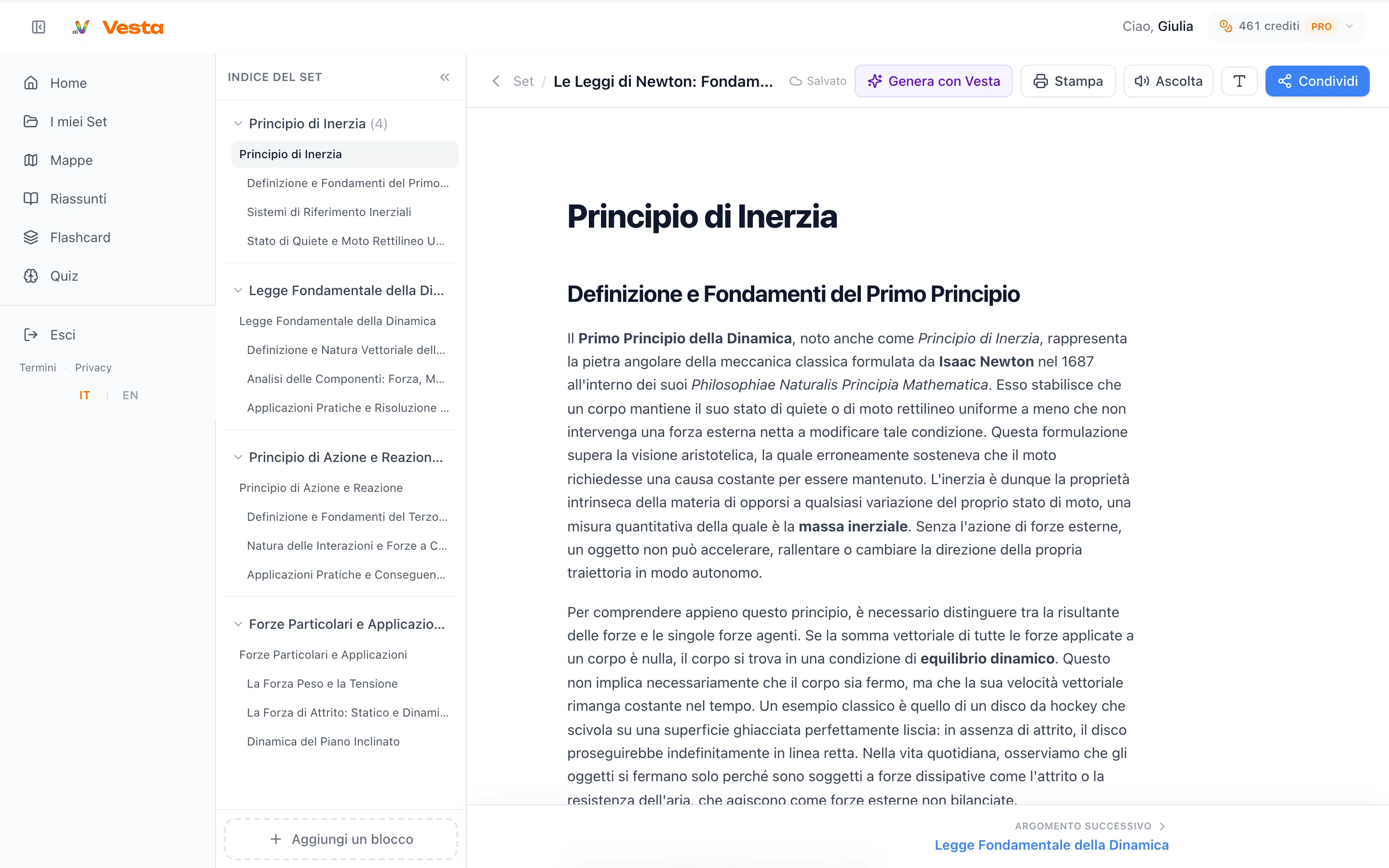
You upload the material (or type the topic) and Vesta generates the map: a dark central node, coloured branches and ideas in boxes. Then you correct it: rename, add nodes and draw the links by hand, with undo and redo. You print it or export it as PDF. A map costs 2 credits, and writing by hand is always free.