Study apps: how to choose the right one (and what to actually look at)
Flashcards, AI summaries, shared notes, chat tutors: four different ways to study with an app, and the questions to ask before you subscribe.
What a study app should do
Studying is three steps: understanding the material, remembering it over time and checking that you know it. An app is useful if it takes work off one of those steps without letting you skip the others. If it only gives you summaries and never makes you repeat, you will feel like you know it without knowing it.
The four kinds of study app
- Pure flashcards (like Anki): you write or import the cards, the app decides when to review them. Maximum control, but you prepare the cards.
- Libraries of shared sets (like Quizlet): you search for sets other students made. Fast if the topic is common, less so if your notes are different.
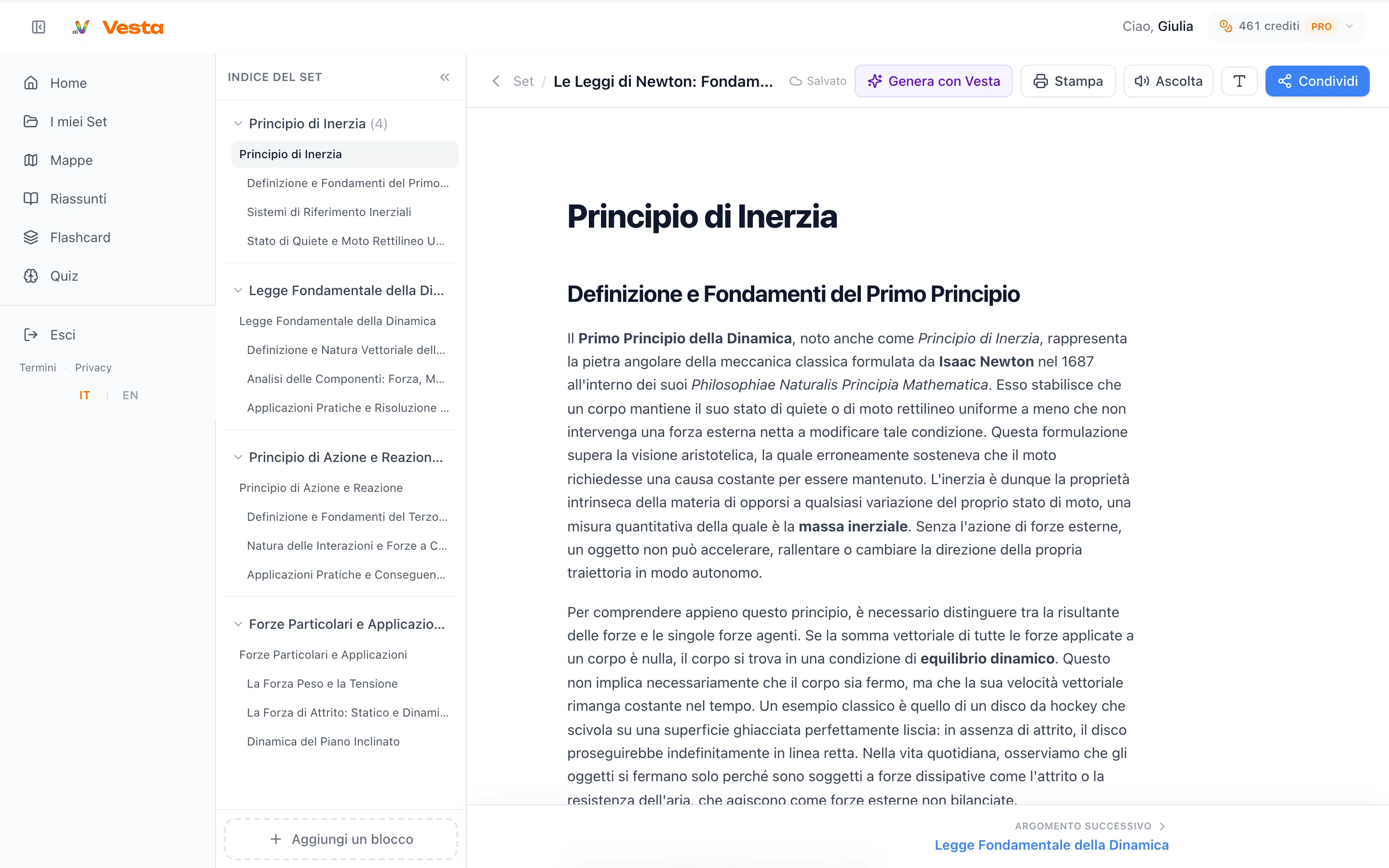
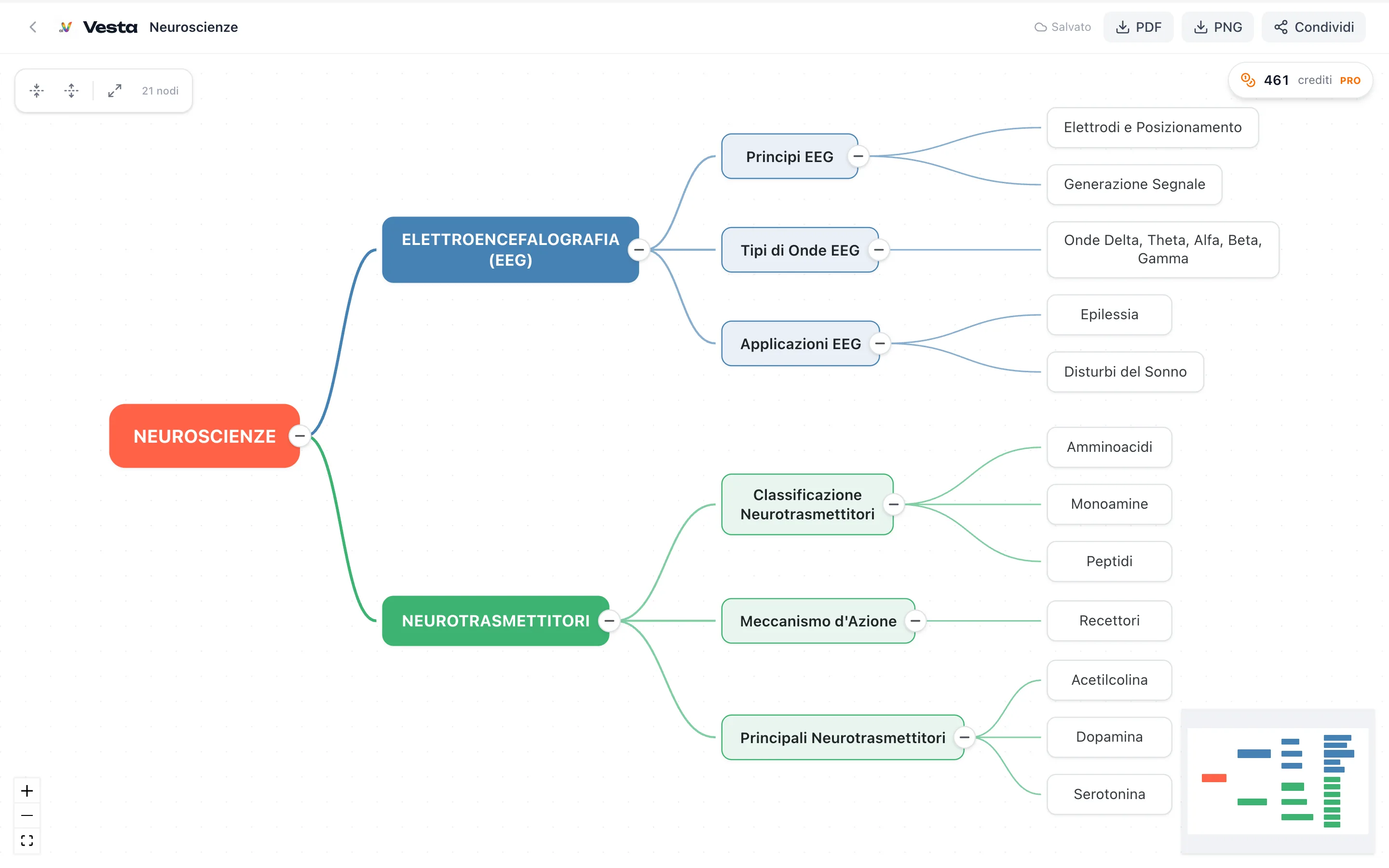
- AI generators (like Algor Education, Vaia and Vesta): you upload your material and the app builds summaries, maps, flashcards and quizzes.
- Notes and chat tutors (like Knowunity): content from other students and an assistant you can ask questions.
Six questions to ask before choosing
- Does it work on your notes? Your exam is about your professor's slides, not another course's.
- What does it really cost? Look at the free plan's limit and how much material you can upload: that is often the difference.
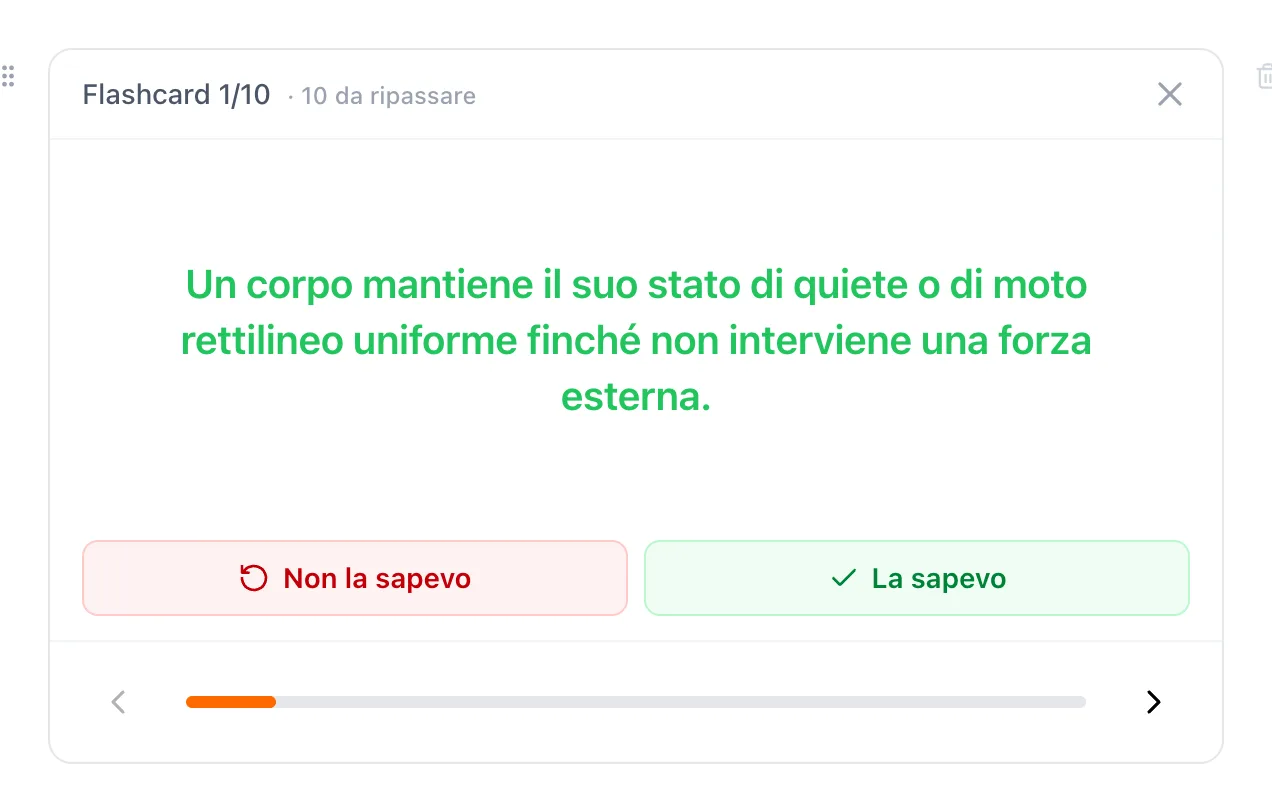
- Does it make you repeat? Spaced flashcards and quizzes that bring back your mistakes matter more than a nice summary.
- Can you correct what it generates? AI makes mistakes: if you cannot edit, you copy them.
- Does it read PDFs, slides and photos? Real notes come in different formats.
- Is it accessible? With dyslexia, typeface, a reading voice and spacing matter.
Where Vesta sits
Vesta is an AI generator built for your own materials: from PDFs, photos, Word, PowerPoint, links or just a topic it creates a set with a chapter summary, concept map, flashcards, quiz and questions and answers. Everything can be corrected by hand. Flashcards come back after 1, 3 and 7 days, the quiz repeats only your mistakes, and there is a high-readability mode with the Nunito typeface.
To see how the materials are built, read how to make a concept map and how to use flashcards.